
Let your customers pay in crypto online, by link, by invoice or in store. Follow every payment in one dashboard and choose how it settles.
See how it works Crypto paymentsOrder #10482 · Payment receivedPaid
Checkout
A checkout built for crypto payments.
Your customer sees the amount, picks how to pay and gets a payment address and QR code in one clear screen.

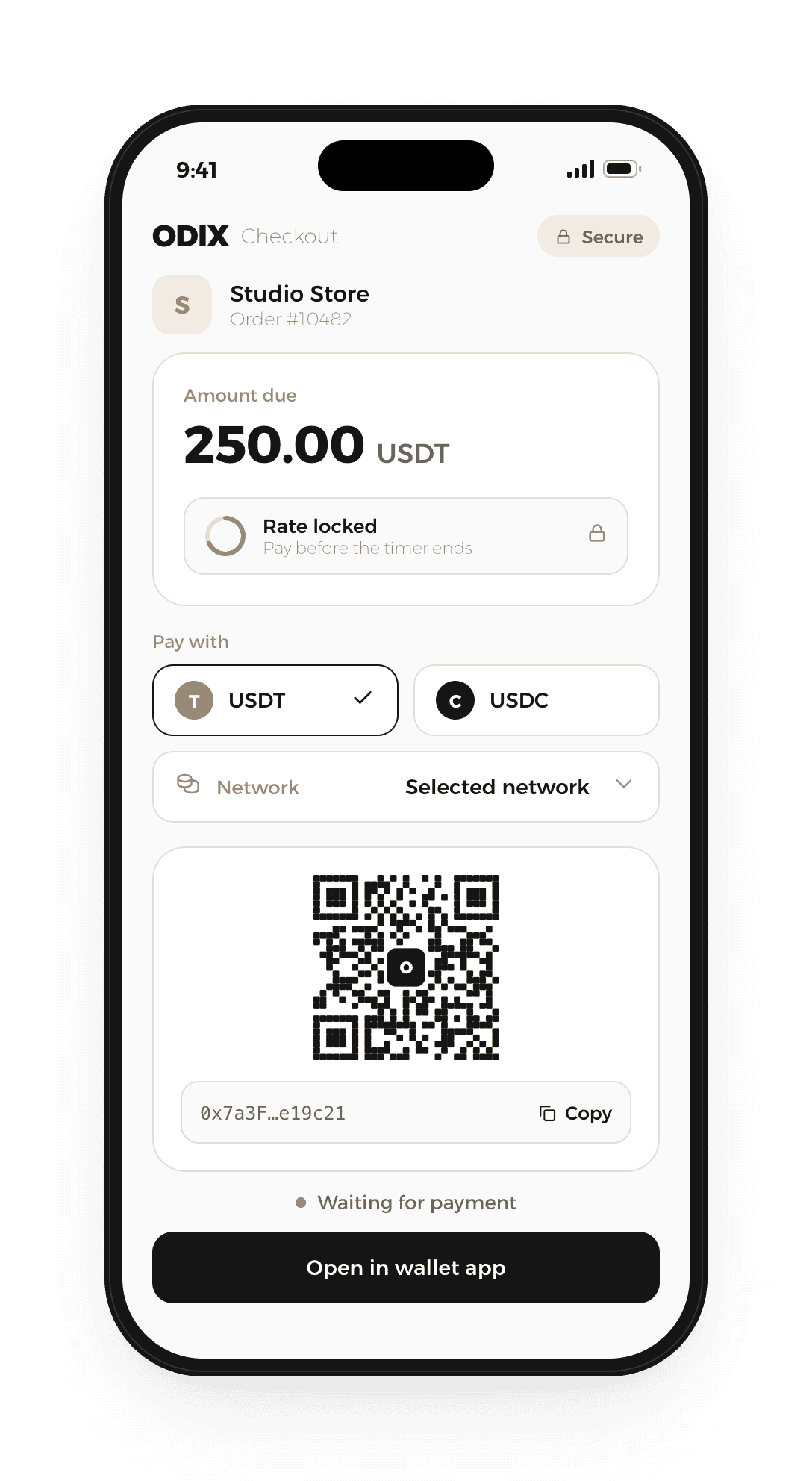
Illustrative example. Screens, assets and networks shown may differ.
Ways to get paid
Get paid from your site or with a simple link
Add a payment button to your product pages, or share a payment link wherever you talk to your customers.

Payment button
Place a button next to your product. Your customer taps it and the checkout opens with the amount ready.
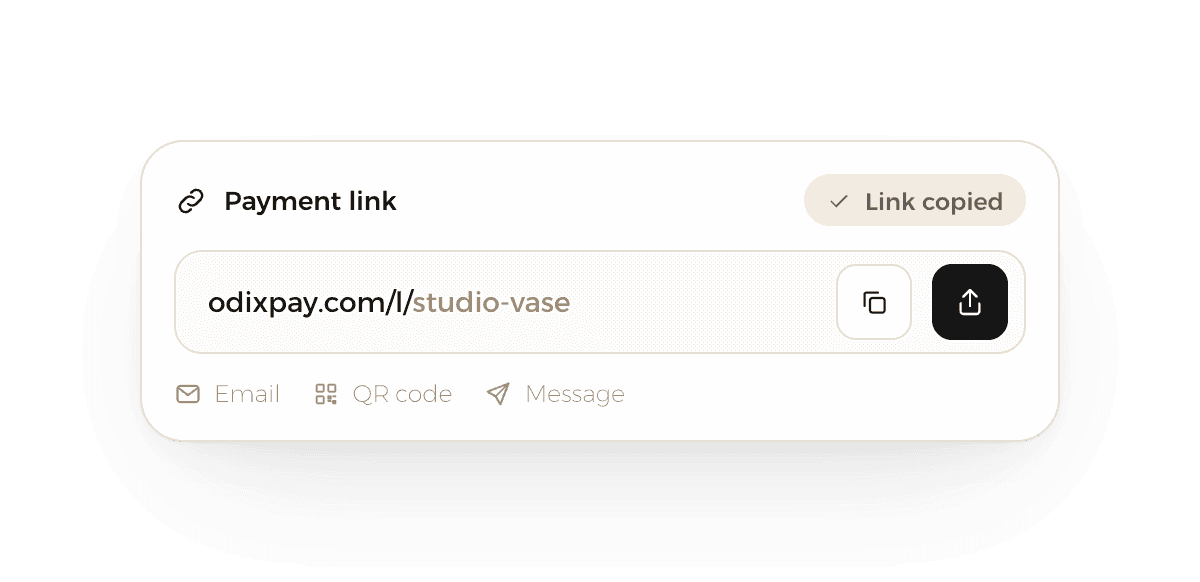
Payment link
Create a link for an amount and share it by email, message or QR code. No website needed.
Illustrative examples. Sample store and products.
Invoices
Create an invoice in minutes.
Add your customer and the items from your dashboard. No code needed.
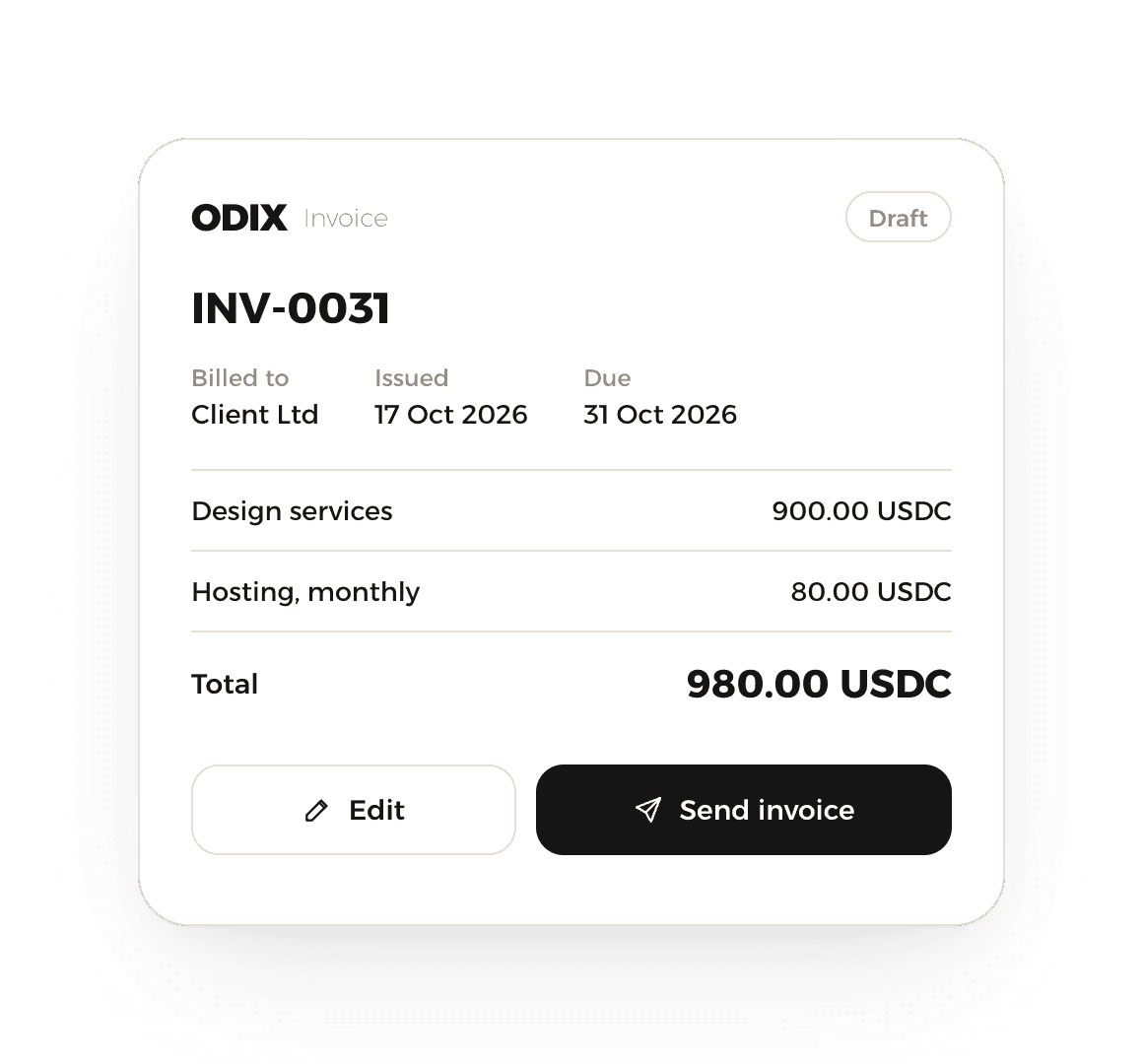
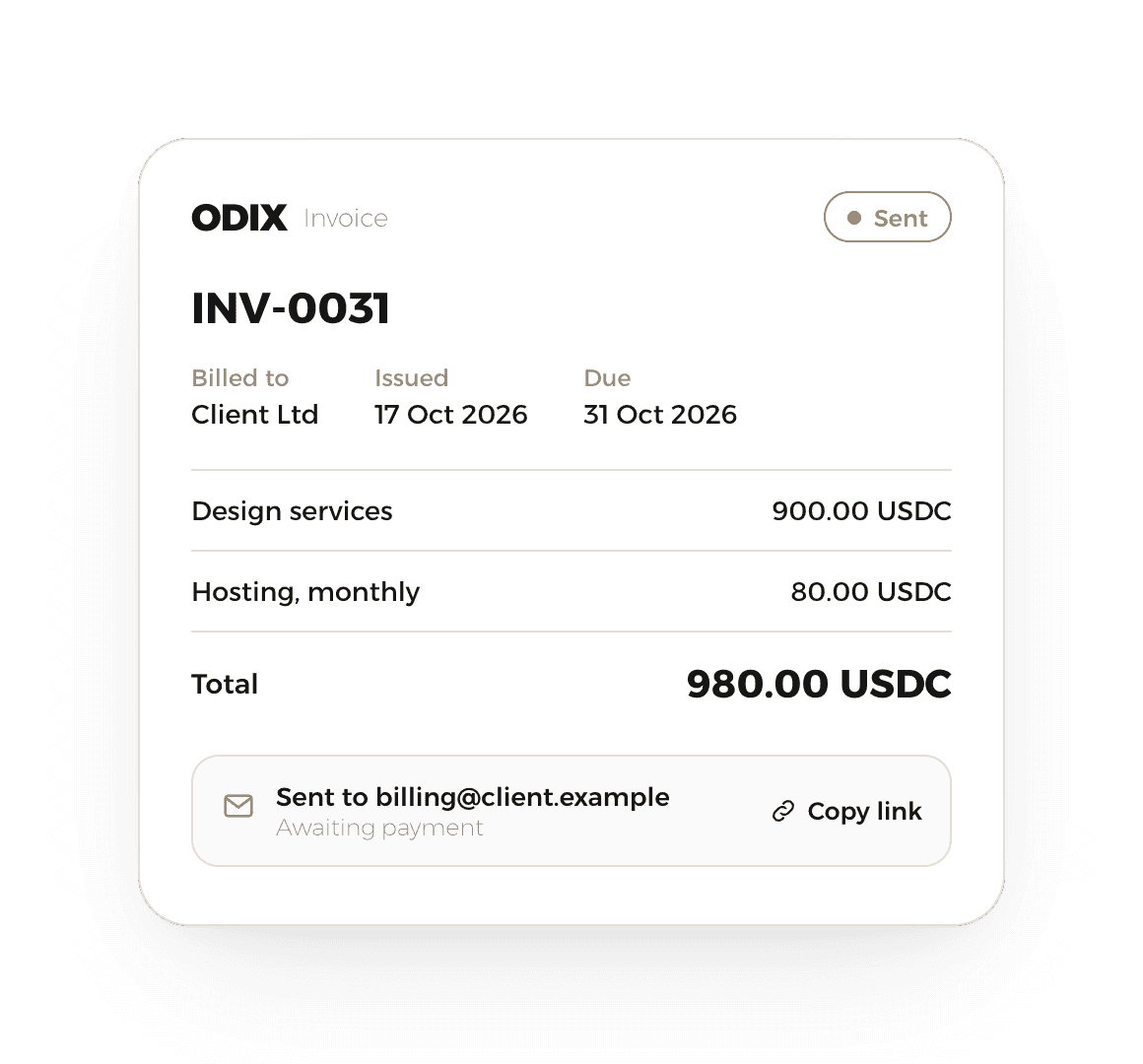
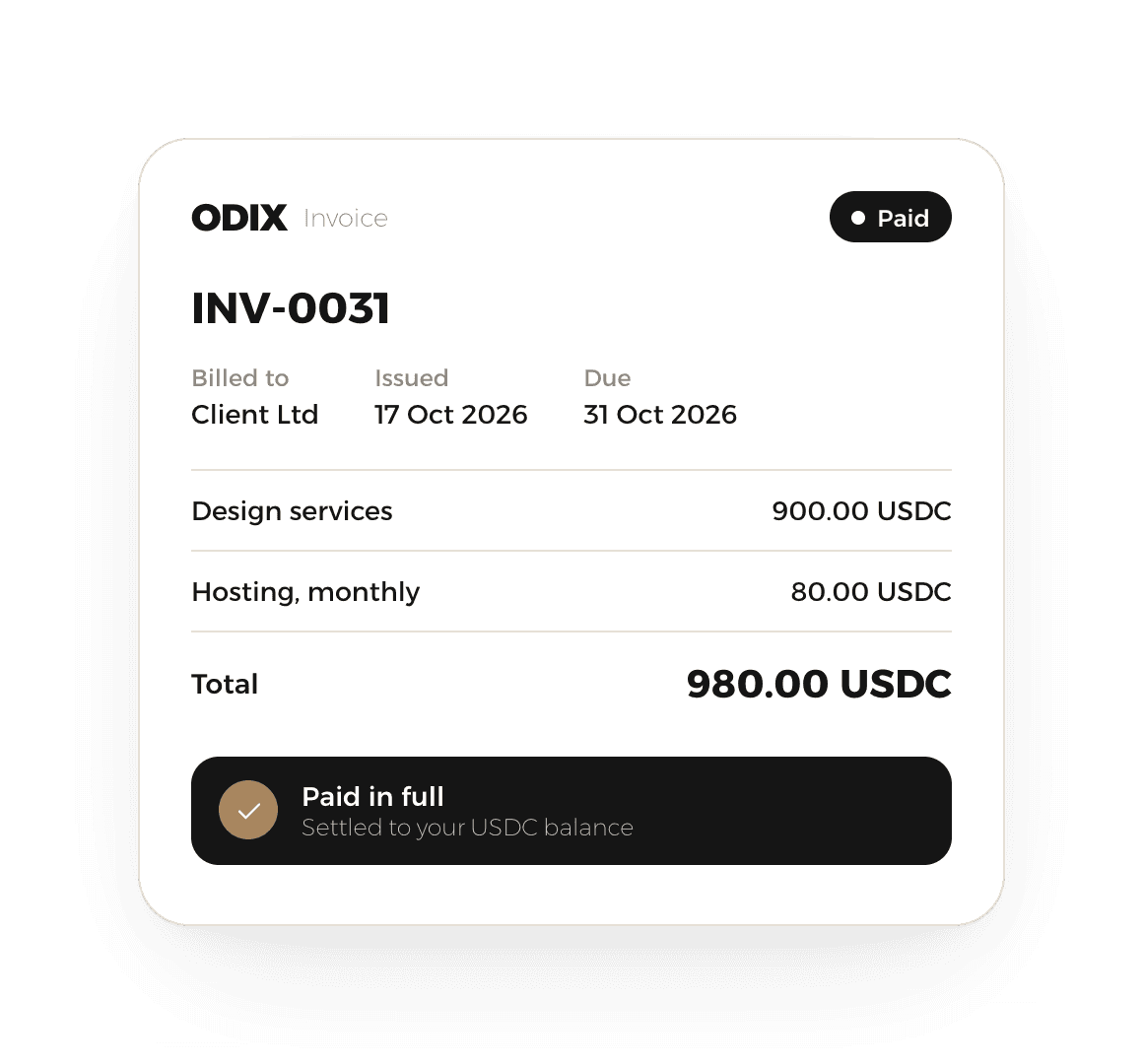
Illustrative example. Sample customer and amounts.
In store
Take crypto at the counter
Show a payment QR code at your till or on a tablet. Your customer scans it with their wallet and you see when it's paid.
Enter the amount
Create a payment for the sale from your dashboard or device.
Customer scans
They scan the QR code and pay from the wallet they already use.
See it confirmed
The screen updates once the payment is confirmed on the network.

Illustrative example. In-store options are confirmed during onboarding.
Where the money goes
From your customer's wallet to your balance
Follow every payment from checkout to payout, with settlement settings you choose in your dashboard.
Customer pays
In crypto, at checkout
ODIX confirms
Checks the payment on the network
Conversion
Where available
Your balance
Every payment in one place
Payout
Using your settlement settings
Settlement options, currencies and timing are agreed during onboarding and shown in your dashboard.
After the payment
Hold it, convert it or pay it out
Every payment lands in your ODIX balance. From there, you decide what happens next.
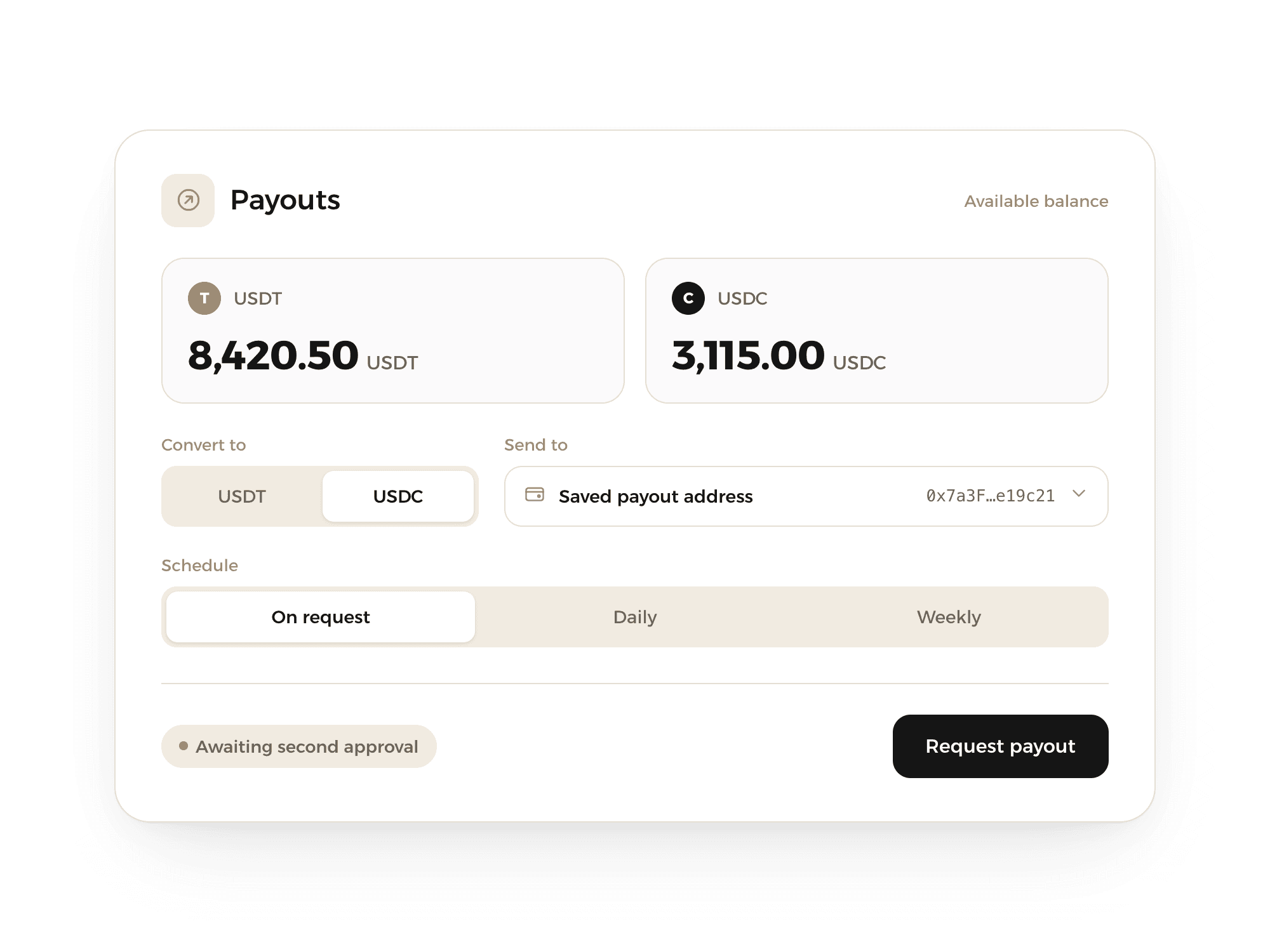
Balances by asset
We hold what you receive for you, with a clear balance for each asset you accept.
An address for each payment
Each checkout or customer can get its own deposit address, so payments are matched for you.
Automatic conversion
Choose to convert what you receive into another currency, where available.
Payouts
Withdraw to your saved addresses when you ask or on a schedule, with approvals if you want them.
Illustrative example. Conversion, payout options and schedules are confirmed during onboarding.
Merchant dashboard
Every payment, in one place
See what came in, from where and in which asset, and decide how your money settles.

Follow every payment
Checkout, link, invoice or API: each payment is listed with its status.
Choose how you settle
Pick where your money goes and when, from the options available to you.
Create in a click
New invoices, payment links and API keys, right from the dashboard.
Illustrative example. Sample store, balances and payments.
For developers
Build it into your own checkout
Create payments from your backend and let your systems know the moment something changes.

API
Create checkouts, payment links and invoices from your own systems.
Webhooks
Get an event at your endpoint when a payment's status changes.
Sandbox
Test the full payment flow before you go live with real payments.
Illustrative example only. API access and documentation are shared during onboarding.
Integrations
Fits the way you already sell
Start without code, or connect ODIX to your store and systems.
Store plugins
Ask us which shop platforms are supported
Billing platforms
For businesses that bill on a schedule
REST API
Build your own payment flow
Webhooks
Get notified of every payment event
Payment links
Share a link and get paid
Hosted checkout
A ready-made payment page
Invoices
Bill customers from your dashboard
Sandbox
Test everything before going live
Available integrations are confirmed during onboarding.
Team and security
Your team, with the right access
Invite your colleagues, protect every sign-in and decide who can approve money going out.
Team roles
Give each person the access they need, from owner to finance to view-only.
Two-factor sign-in
Protect every account with a code from an authenticator app.
Payout approvals
Ask for a second approval before money leaves your account.
Sample names. Available roles and controls are confirmed during onboarding.
Before you start accepting crypto
A few plain facts about crypto payments with ODIX.
Fees, supported cryptocurrencies, networks and regions are confirmed during onboarding and shown in your dashboard.
Availability depends on your country and on business verification. Some types of business may not be eligible.
Settlement options and timing depend on the network, the asset and your settlement settings.
Cryptoasset prices can rise and fall, and blockchain payments usually cannot be reversed once confirmed.
Screens, names and amounts on this page are illustrative examples and may differ from the service.
Frequently Asked Questions
A service for businesses that want to accept crypto from their customers. You can take payments through a hosted checkout, payment buttons, payment links, invoices, an in-store QR code or the API, and follow them in one dashboard.
Let’s talk about crypto payments
Tell us about your business and how you’d like to get paid. We’ll show you what’s available for you.
Talk to sales
